Fill in the Blank Test Generator
Fill in the Blank Question Generator From any Content
Easily create fill in the blank tests from any text, URL, PDF, or
YouTube video with the AI-powered online quiz builder. It has a
complete question writer that converts difficult amounts of
information into short, simple, and intelligible questions.
Review and edit the questions, then share the quiz online or print it
with an answer key.

Quick answer
What is QuizRise Fill in the Blank Question Generator?
QuizRise Fill in the Blank Question Generator is an AI tool that creates editable completion questions from source material. It helps educators and learners test exact recall of vocabulary, definitions, formulas, dates, and key concepts from text, PDFs, websites, or YouTube transcript content.
- Sources
- Text, PDFs, websites, and YouTube videos with transcript data.
- Output
- Editable fill-in-the-blank questions and accepted answers.
- Best for
- Vocabulary, definitions, formulas, dates, and exact recall.
Step-by-step guide
How to make a fill-in-the-blank test
Take key sentences from your material and replace one important word in each with a blank. A good fill-in-the-blank test removes words that carry meaning, such as terms, names and numbers, and has only one answer that fits each blank.
-
Choose sentences that state key facts
Use sentences from your notes, textbook or slides that students must know, not small details.
-
Blank one keyword per sentence
Remove the term, name, or number that carries the meaning. Put the blank near the end of the sentence so students read the context first.
-
Make sure only one answer fits
Add enough context that synonyms or guesses do not also fit. For younger students, add a word bank.
-
Keep the blanks the same length
A long or short line can hint at the answer. Use the same blank length for every question.
-
Prepare an answer key
Write the answer for each blank so you can grade quickly, or let students check their own work.
-
1. Plants make glucose in the ______ of their cells.
Answer: chloroplasts
-
2. The green pigment that absorbs light is called ______.
Answer: chlorophyll
-
3. During photosynthesis, plants release ______ into the air.
Answer: oxygen
-
Weak example: The ______ is ______ in the ______.
Too many blanks: students cannot tell what is being asked.
Or generate the test from your material
Paste text, upload a PDF, or add a website or YouTube link, choose fill-in-the-blank questions, and edit the result. You can then share it online or print the test with an answer key.
Why QuizRise?
Discover the Key Features of QuizRise Fill in the Blank Generator
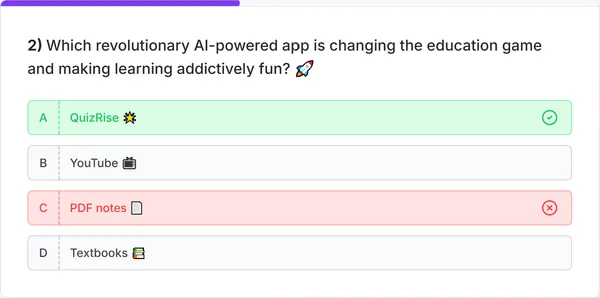

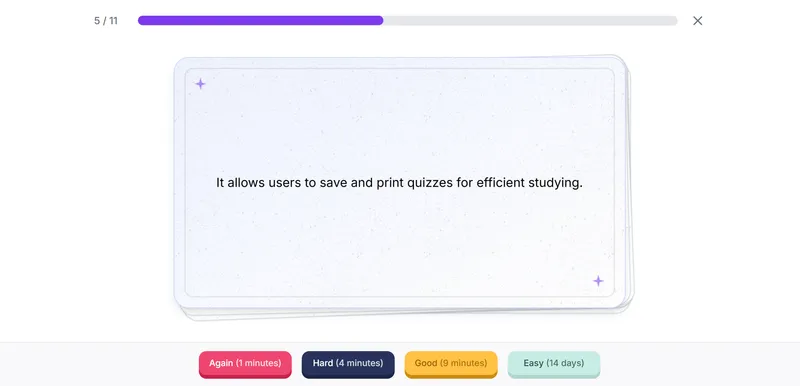

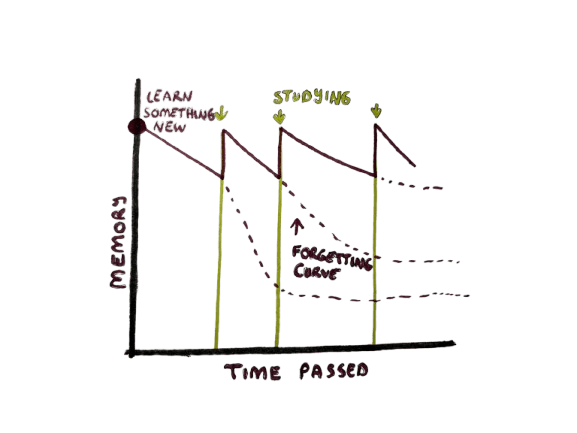

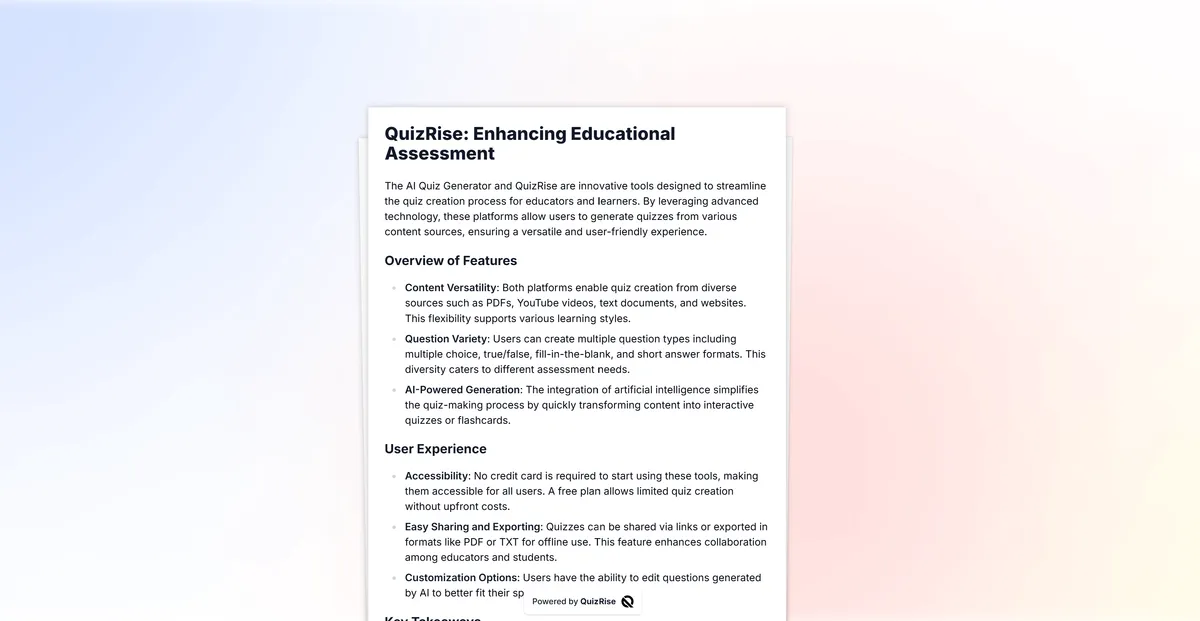

What is the best way to learn?
Flashcard
The best way to ____ is to use quizrise.
Cloze

Multiple question types
Multiple choice question generator, true-false question generator, fill-in-the-blank question generator.

From YouTube, URL, PDF, or Text
Effortlessly generate questions from any content. Create quiz from PDF, create quiz from Text, create quiz from Youtube, create quiz from Website you have all these ways.

Multi-languages
Generate quizzes, flashcards, summaries and mind maps in multiple languages. Making learning possible in every language!

Export to PDF or TXT
Easily make use of our study resources by saving and exporting your quizzes as PDF or TXT files with
printable quiz maker.
Make studying more efficient!


Share as a Link
Effortlessly share your exams with our 'Share as a Link' feature. Simplify your exam distribution and make them publicly available instantly.
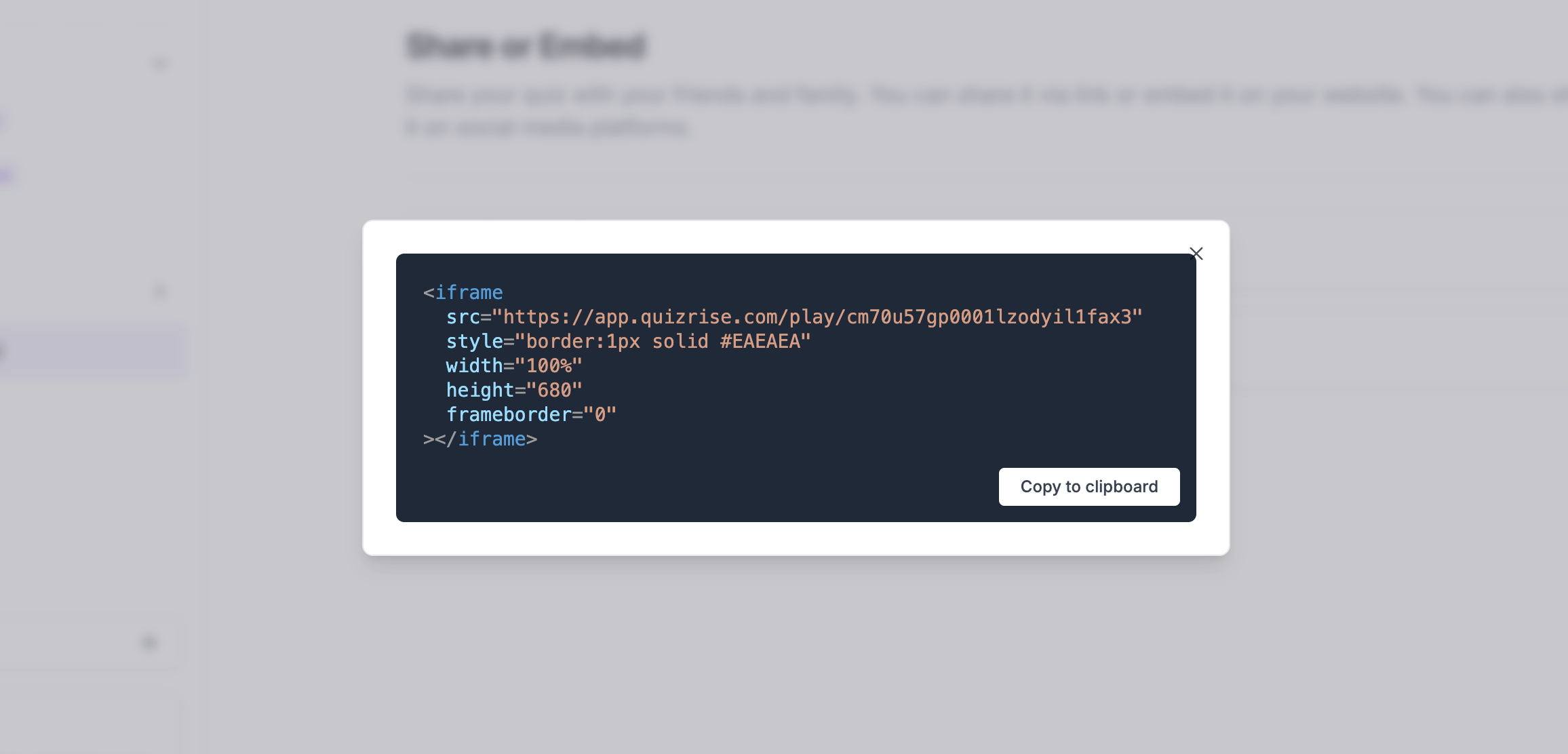

Embed on your website
Boost your site's engagement! Quickly and easily embed a quiz on your website to increase visitor interaction.


Analyze the Results
Analyze your student's results and identify key concepts that need reviewing. Spot areas needing review and identify learning trends.
Why Use The QuizRise Question Generator
Imagine a world where creating personalized, engaging, and effective
fill-in-the-blank or multiple choice questions is as simple as
clicking a button. It's the future of online education and
examination, powered by modern AI question-generation workflows.
If you are tired of primitive question creation methods and believe in the
power of artificial intelligence, QuizRise is the solution for you.
You gain momentum in different areas with our other free tools. (YouTube Subtitle Downloader, YouTube Transcript Generator, AI Quiz Generator, token counter, and
more!)
By choosing QuizRise, you will discover a new and effective way to create,
share, and interact with content!
How it works
How to Create a Fill in the Blank questions in Minutes with our Quiz Maker
1. Create
Make a Quiz
Convert articles, documents, and even full web pages into entertaining fill-in-the-blanks questions via language, subjects, URLs, or uploading a file. Experience our unique AI powered question generator, which uses artificial intelligence to create a rich, interactive, and dynamic quiz-creation process.
Get Started2. Edit
Settings & Customize
Choose the question types, the difficulty, and how many questions to make. Then edit, add, or delete any question before you share the quiz.
Get Started3. Publish
Export & Share
Easily share your quiz through user-friendly links, embed it directly to your website to engage your audience, or simply export it to PDF or TXT format for a more tailored approach. Take the lead in spreading knowledge and enhancing connectivity!
Get Started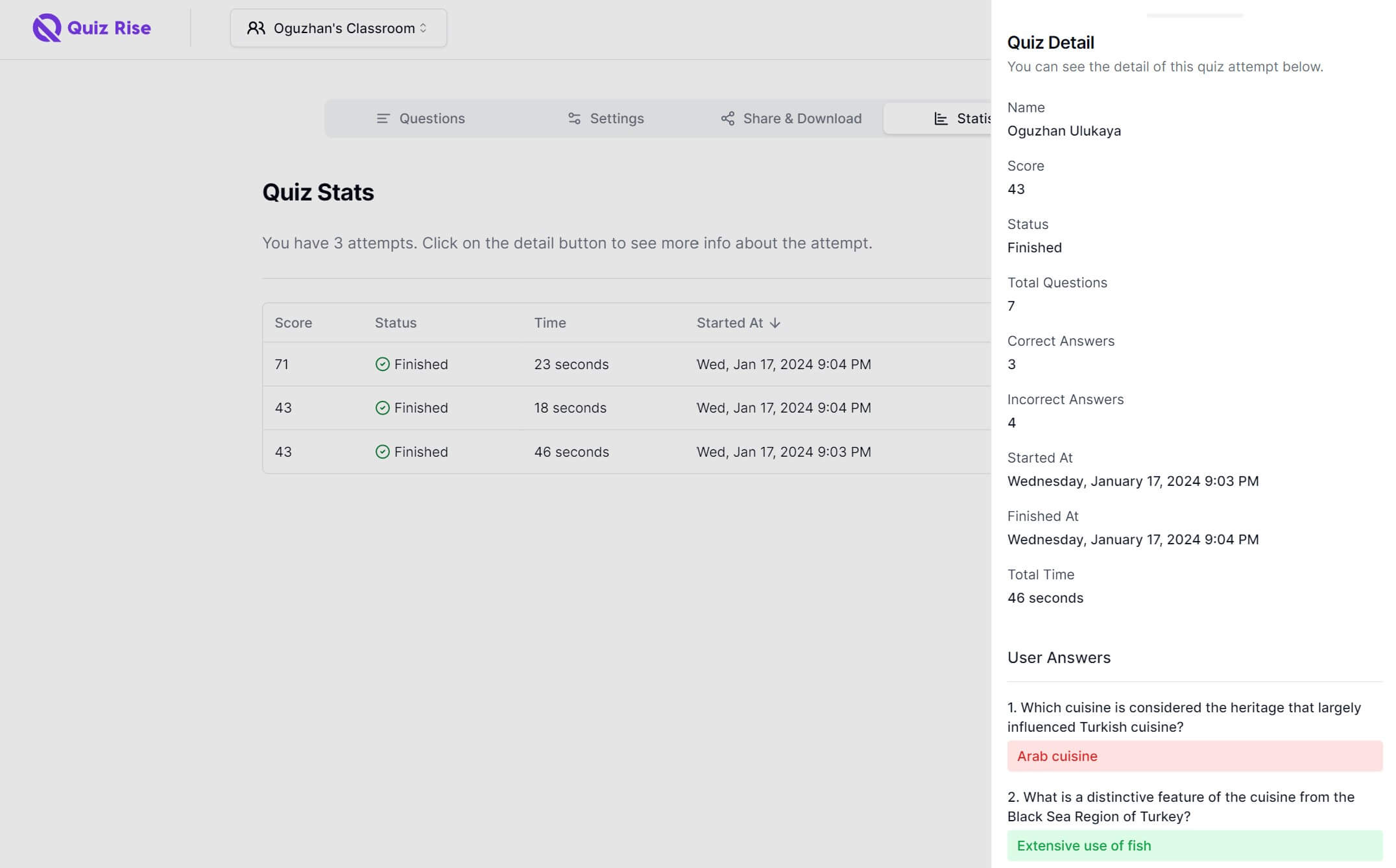
3. Statistics
Analyze the Results
Discover the practical side of education, and learning methods to analyze your student's results, identify key concepts that need reviewing, and spot potential areas for improvement. Use these data to uncover learning trends and tailor your teaching tactics for maximum success. Empowering export and share tools are only a step away!
Get StartedFrequently Asked Questions
Lastly, the use of grammar and punctuation within the sentence or question should be carefully considered to provide clarity and accuracy for the respondent. By considering these points, a well-constructed fill-in-the-blank question can be created.